QTagEdit
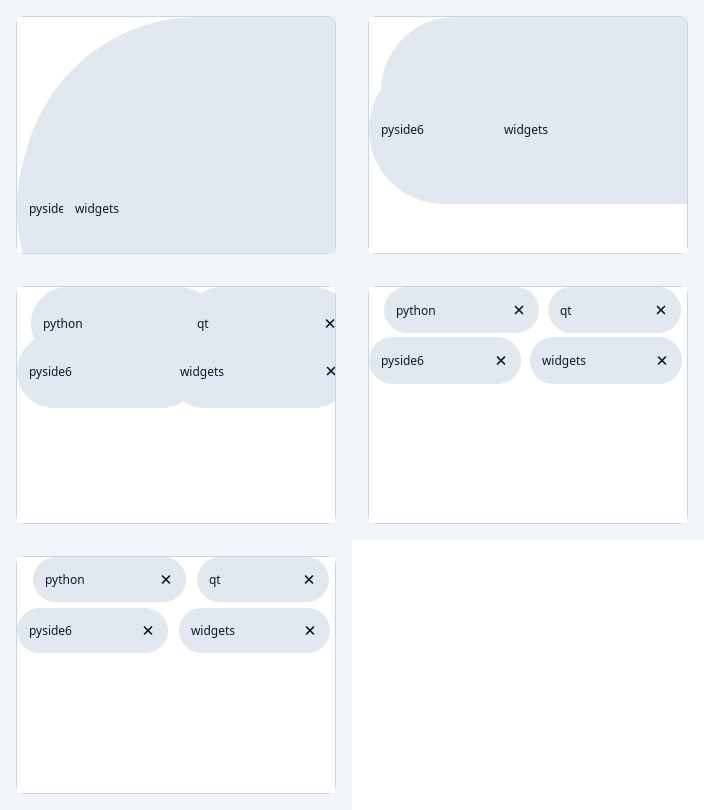
A tag based edit
At a glance
| Tier | Free (GPLv3) |
| Import | from Custom_Widgets.QCustomTagEdit import QTagEdit |
| Qt Designer | Yes — drag it from the palette |
Quick start
from Custom_Widgets.QCustomTagEdit import QTagEdit

widget = QTagEdit()
widget.setTagSuggestions(["python", "qt", "pyside6", "pyqt5", "widgets"])
widget.setTags(["python", "qt", "pyside6", "widgets"])
That is the exact code behind the screenshot above.
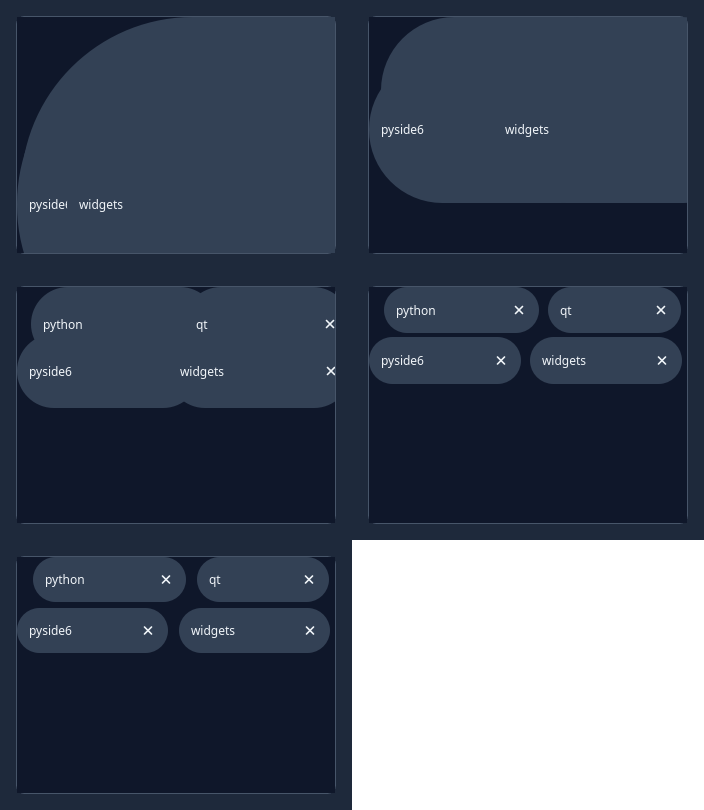
Dark theme
Colours come from the design tokens, so the widget follows the app theme with no extra work.
Properties
Every property below is settable in code and in Qt Designer.
| Property | Type | Default |
|---|---|---|
frameShape | QFrame::Shape | — |
frameShadow | QFrame::Shadow | — |
lineWidth | int | — |
midLineWidth | int | — |
frameWidth | int | — |
frameRect | QRect | — |
verticalScrollBarPolicy | Qt::ScrollBarPolicy | — |
horizontalScrollBarPolicy | Qt::ScrollBarPolicy | — |
sizeAdjustPolicy | QAbstractScrollArea::SizeAdjustPolicy | — |
widgetResizable | bool | — |
alignment | QFlags<Qt::AlignmentFlag> | — |
tagColor | color | — |
tagTextColor | color | — |
Methods
| Method | Description |
|---|---|
addTag(text: str) -> bool | Adds a new tag |
clear(input=True) -> None | Clears all tags |
enableCheckForDoubles(check_for_doubles) -> None | Enables if a new tag, when its going to be added, should be checked if it already exists |
enableTagSuggestions(tag_suggestions: bool) -> None | Enables whenever a new tag is typed in that suggestions from self.__tag_suggestions(...) should be showing or not. |
onDoubledTag(text: str) -> None | This method gets called if self._check_for_doubles is True (can be set via enableCheckForDoubles(...)) |
removeTag(tag: str) -> None | Removes a tag |
setTagSuggestions(suggestions: List[str]) -> None | Sets the tag suggestions. They will be used if self._tag_suggestions is True (can be set via enableTagSuggestions(...)) |
setTags(tags: List[str]) -> None | Replaces all current tags with tag from the tags argument |
tagColor(*args, **kwargs) | Tag color. |
tagTextColor(*args, **kwargs) | Tag text color. |
tags() -> List[str] | Returns all tag names |
Theming
Colours come from the design tokens, so they follow the active theme. Roles used: on-secondary, on-surface, outline, secondary, surface.
See Design tokens.
Related
QCustomButtonGroup · QCustomCheckBox · QCustomColorPicker · QCustomComboBox · QCustomDateEdit · QCustomDateRangeEdit · QCustomDateRangePicker · QCustomEmojiPicker