Qt Custom Widgets
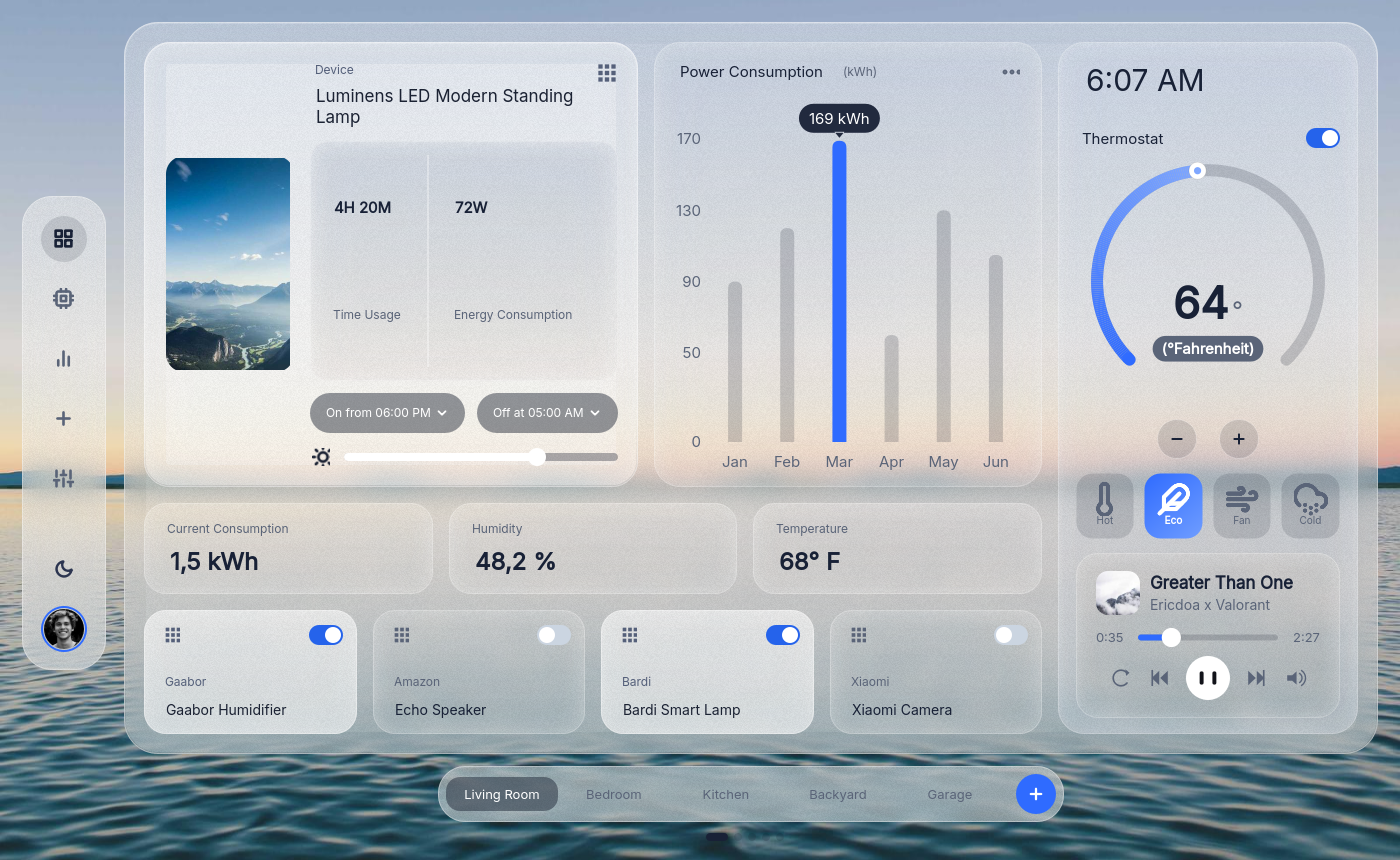
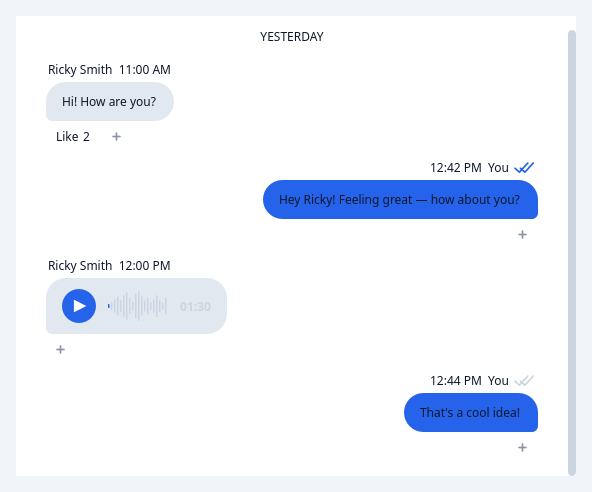
164 production-ready widgets for PySide and PyQt — charts, data tables, chat interfaces, dashboards, loaders, forms — that drop into Qt Designer and theme themselves from a single call.
Why this library
It works in Qt Designer. Every widget is a real Designer plugin with its custom properties exposed in the property editor, so a form can be laid out visually and still use the good components.
Theming is one call. Widgets style themselves from semantic
design tokens — surface, on-surface,
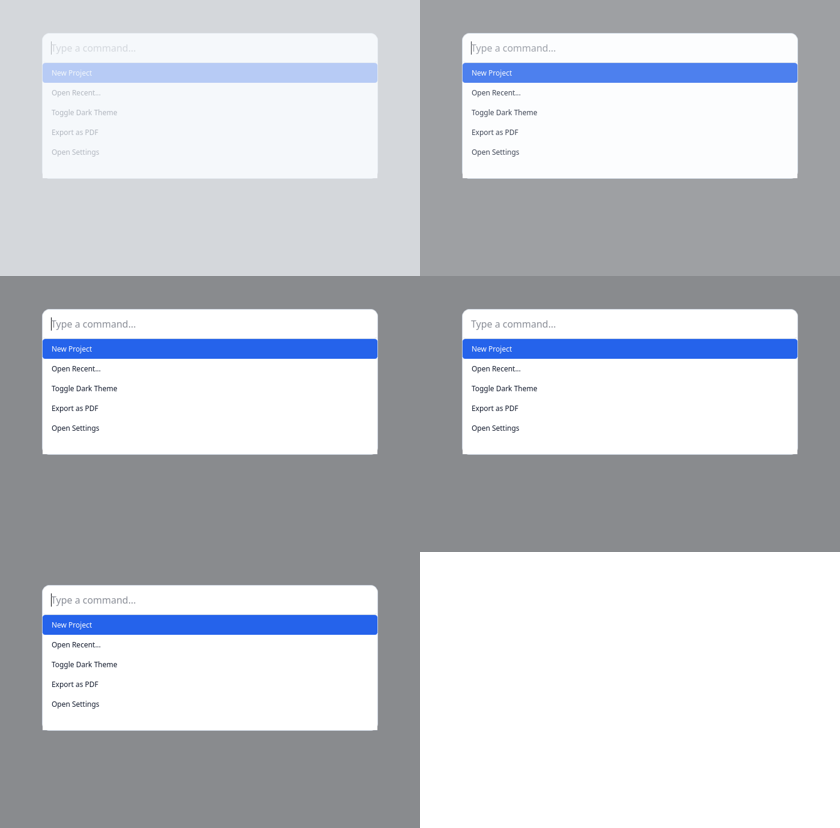
primary, outline — so applyDesignTokens(app, theme="dark") flips an
entire application, including widgets you never touched.
It is not a widget dump. Each widget has a typed stub, a headless paint test, a Designer registration and a documented API.
Start here
| Getting started | A themed window in twenty lines |
| Widget gallery | All 164, grouped by what you are building |
| Design tokens | How theming actually works |
| Real-world examples | Complete apps to copy |
A taste

Free and Pro
The library is free and open source under GPLv3, and that is a real licence, not a formality: if you ship a closed-source commercial application you need a commercial licence.
Pro adds the analytics chart set, the data table, rich media widgets, the Designer tooling and the MCP server for driving it all from an AI agent. Pro widgets are marked throughout these docs.
See Licensing for the details, including the separate question of how Qt itself is licensed.