QCustomCommandPalette
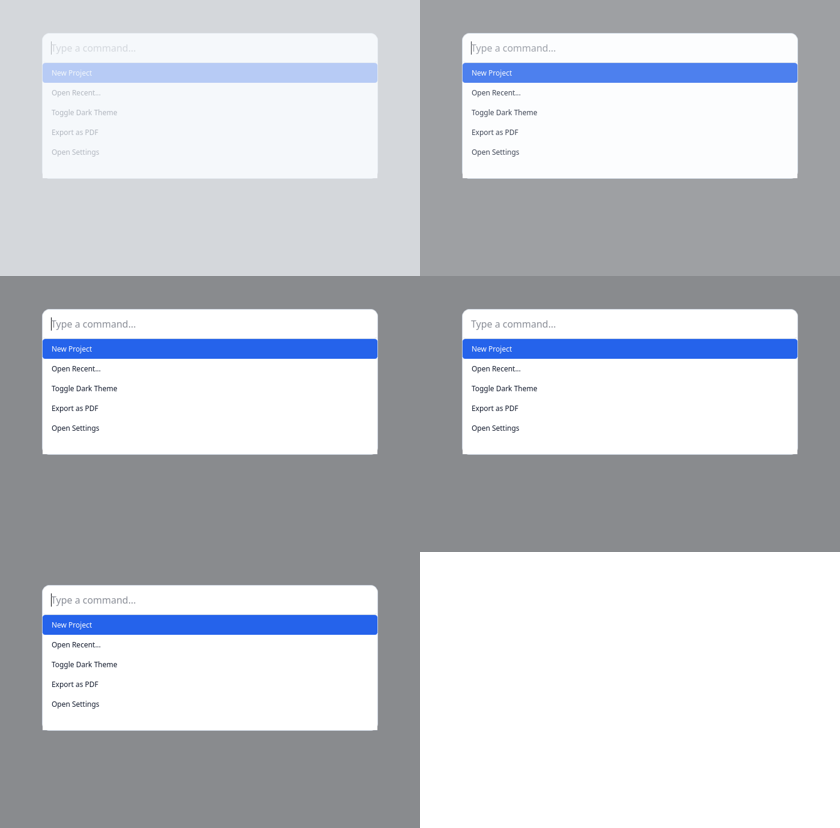
A fuzzy-searchable command launcher (Ctrl/Cmd+K).
A dimmed overlay with a search field and a fuzzy-filtered, keyboard- navigable command list. Register commands with callbacks; open with a shortcut. Styled from design tokens.
palette = QCustomCommandPalette.installShortcut(window, "Ctrl+K") palette.setCommands([ {"id": "save", "title": "Save File", "callback": save, "shortcut": "Ctrl+S"}, {"id": "theme", "title": "Toggle Dark Theme", "callback": toggle}, ])
At a glance
| Tier | Free (GPLv3) |
| Import | from Custom_Widgets.QCustomCommandPalette import QCustomCommandPalette |
| Qt Designer | Yes — drag it from the palette |
Quick start
from Custom_Widgets.QCustomCommandPalette import QCustomCommandPalette

widget = QCustomCommandPalette()
Dark theme
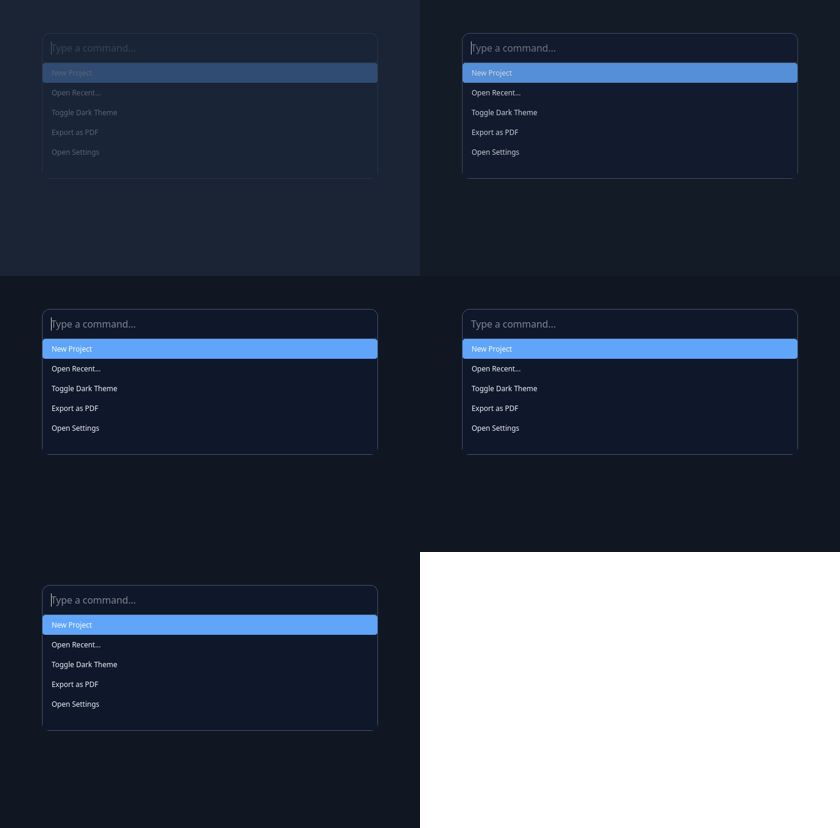
Colours come from the design tokens, so the widget follows the app theme with no extra work.
Signals
| Signal |
|---|
commandTriggered(QString) |
Methods
| Method | Description |
|---|---|
addCommand(*args, **kw) | Add a command. |
close() | Close. |
commandTriggered(...) | Command triggered. |
installShortcut(window, sequence='Ctrl+K', commands=None) | Create a palette over window and bind sequence (Qt maps Ctrl->Cmd |
open() | Open. |
setCommands(commands) | Set the commands. |
Theming
Colours come from the design tokens, so they follow the active theme. Roles used: surface, on-surface, surface-muted, outline, accent, on-primary.
See Design tokens.
Runnable example
A complete app using this widget lives at examples/PySide6/QCustomCommandPalette/main.py.
Related
QCustomBreadcrumbs · QCustomDrawer · QCustomHamburgerMenu · QCustomHeaderNav · QCustomMenu · QCustomPagination · QCustomSidebar · QCustomSidebarButton